

Contact Motoclick about a Delivery
Last updated December 12, 2025
When managing deliveries through FIRST, you may need to contact Motoclick directly about a specific delivery status. This guide helps you reach Motoclick support effectively.
To contact the driver directly:
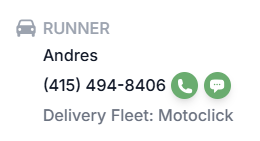
The Motoclick Driver can be contacted by the Merchant (pickup location phone number) or by the end-user.
To contact Motoclick Support, please follow the following steps:
- Motoclick has a delivery support line at +1 (646) 491-6772
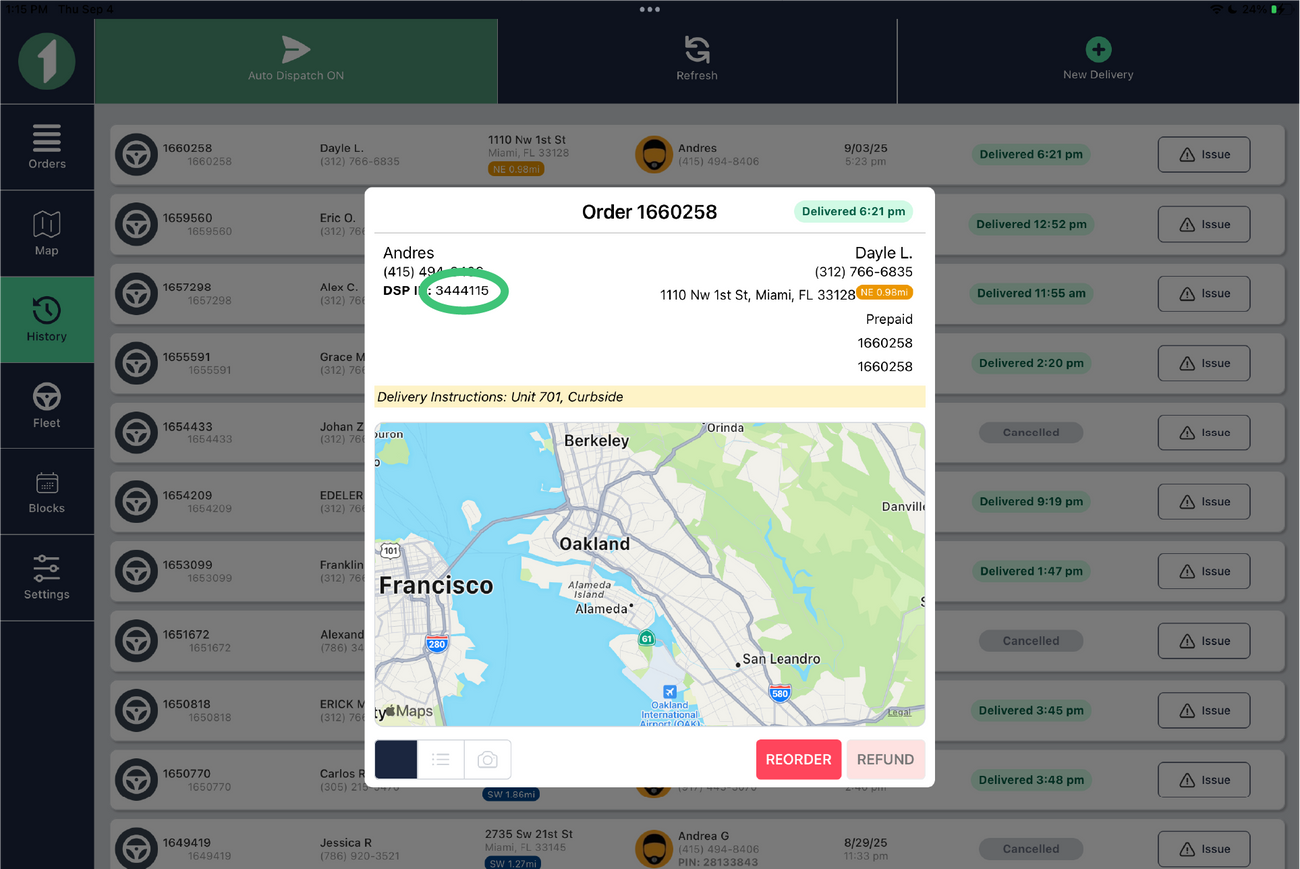
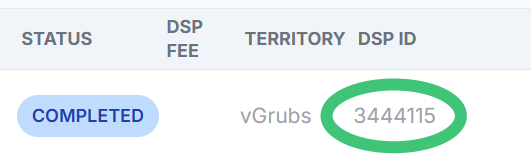
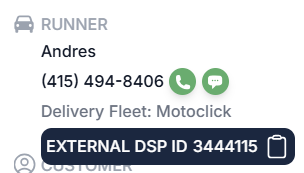
- When chatting with Motoclick, please be ready to provider the 7-digit order ID.
- For Merchant App: The Order ID can be found by clicking on any given order, see screenshot below:
b. For Web Dashboard: The Order ID can be found on the "Orders Table" and in the last column.
It can also be found in order details, when hovering on "Delivery Fleet: Motoclick."
You can also reach out to us via our Support chat with the order information and we will contact Motoclick on your behalf
Was this article helpful?