

Download Invoices and Details
Last updated November 4, 2025
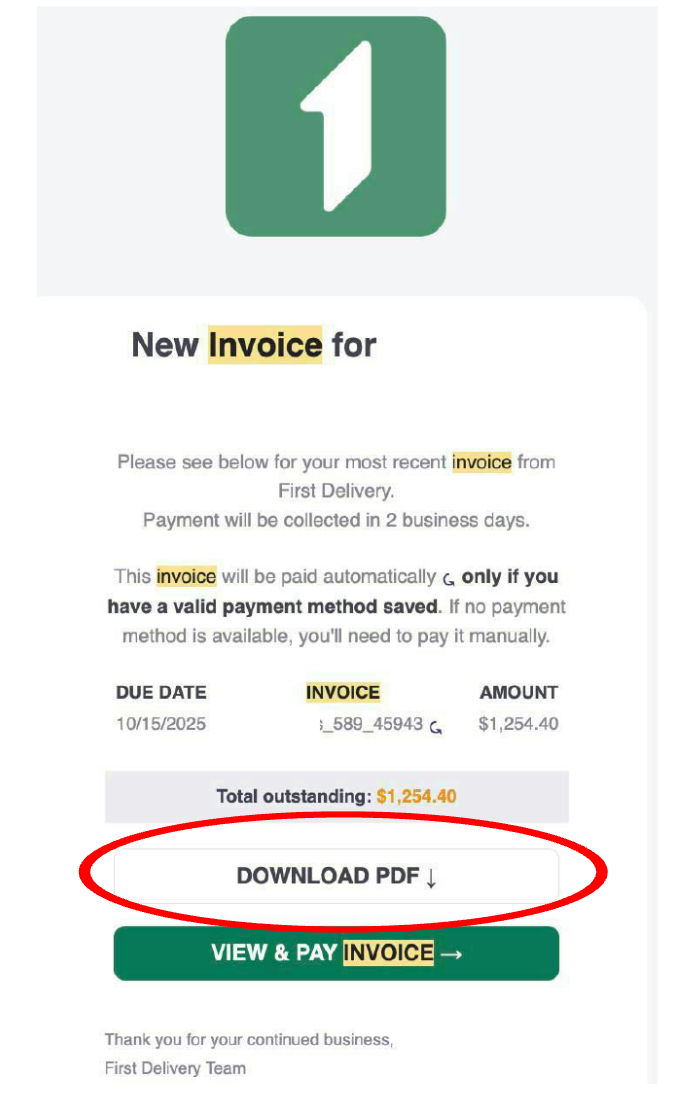
- Go to your email inbox and find the email from FIRST with Subject: "New First Delivery invoice for <customer name>"
- Click on the button that says “Download PDF”
- Open the PDF that you just downloaded
- Click on the link in invoice header under “Invoice Details”
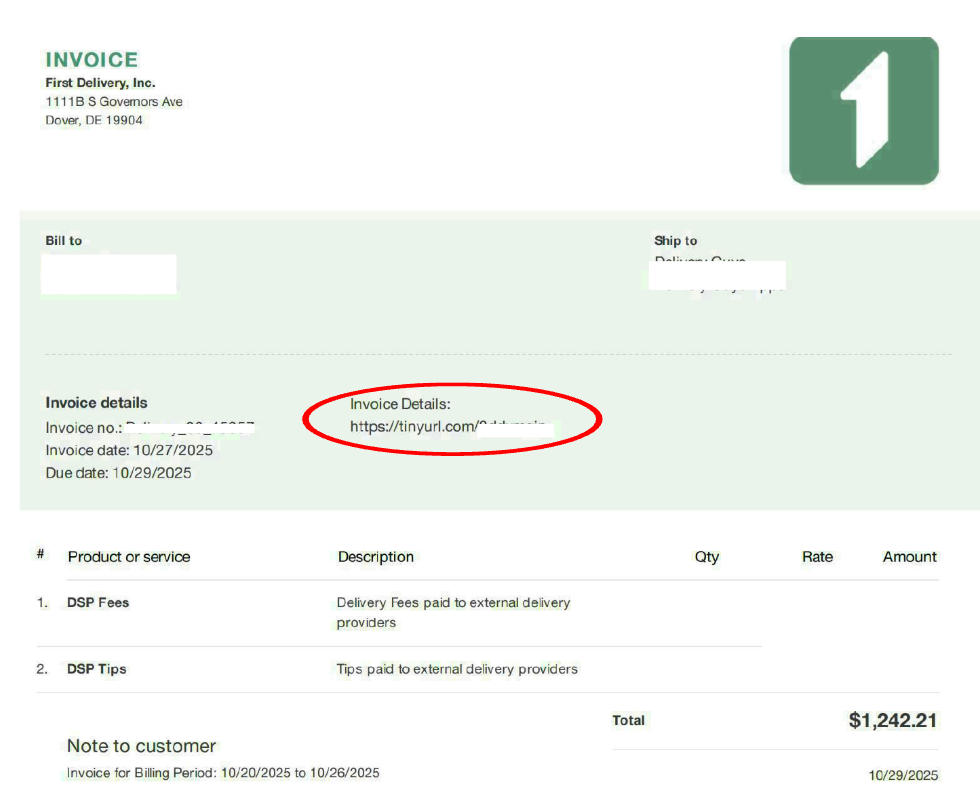
This opens a CSV with all your invoice details.
Was this article helpful?