

View Quotes and Dispatch an External Delivery
Last updated August 24, 2025
How to get quotes and dispatch a delivery:
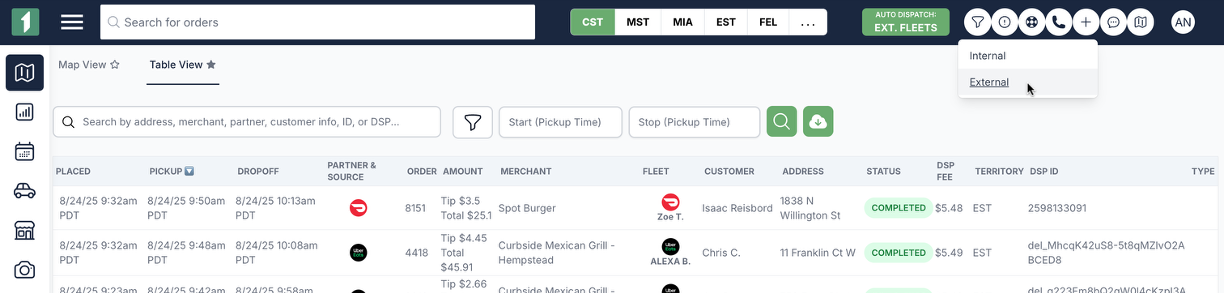
- Hit the plus button in the top right hand corner and select "External."
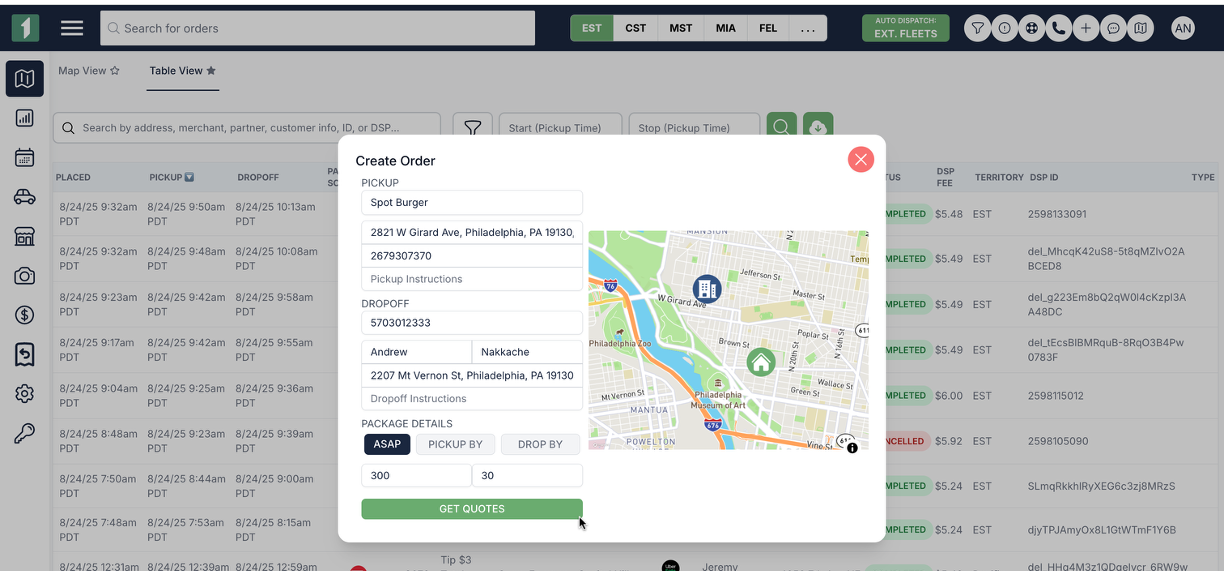
- Fill out the "Create Order" form with relevant details and click "Get Quotes":
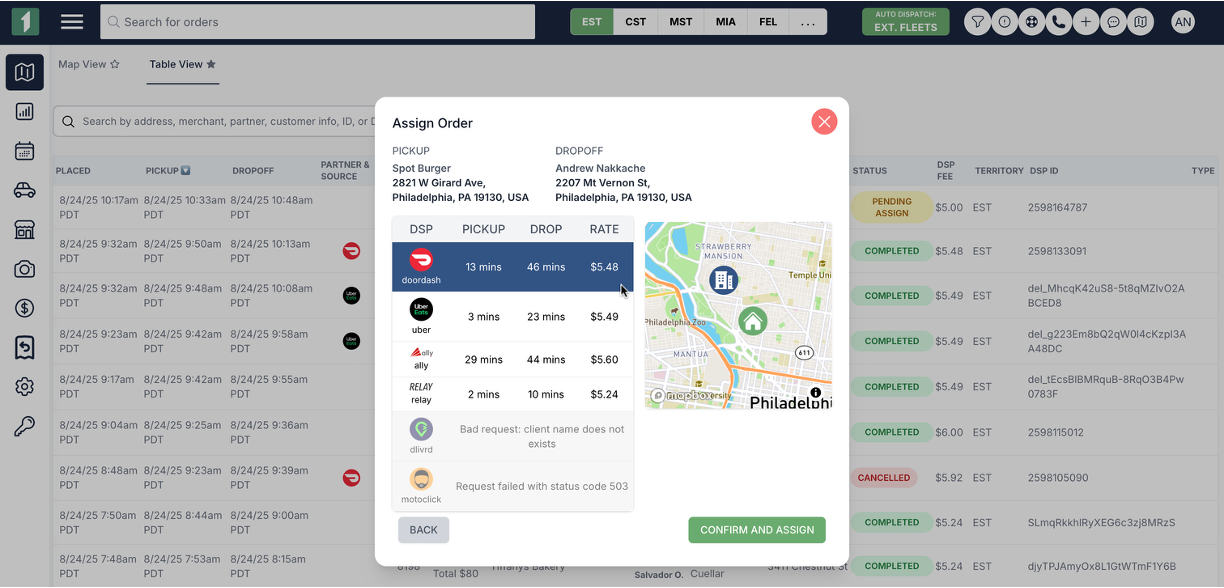
- Select the fleet you want to use and click Submit.
Was this article helpful?