

Personalizing Time Format in FIRST Web Dashboard
Last updated August 24, 2025
How to Personalizing Time Format in FIRST Web Dashboard:
- Go to user settings from top right corner - click on your initials

- Click on Display
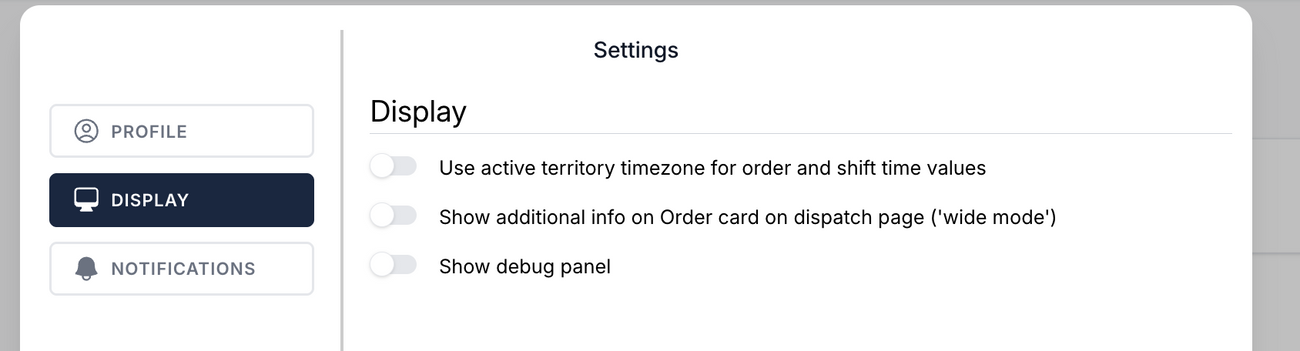
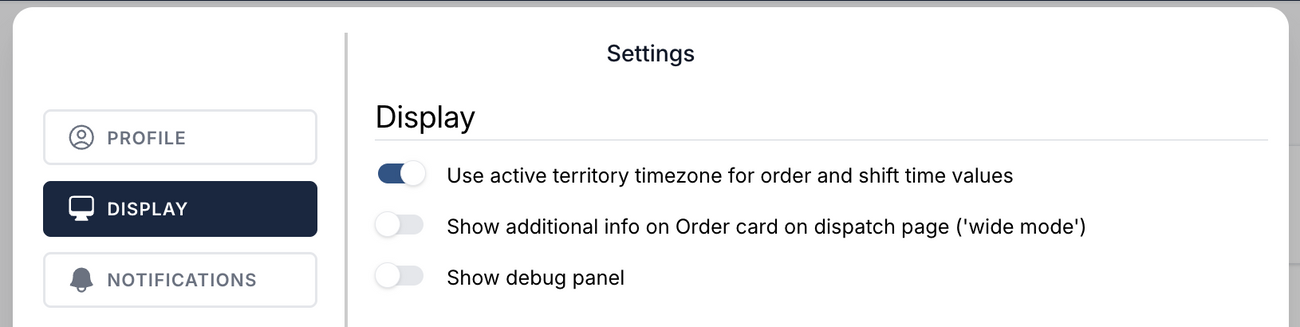
- Toggle on "Use active territory timezone for order and shift time values"
Was this article helpful?